Space Shooter
Blast through numbered enemy waves, grab power-ups and take down the mothership every fifth wave.
Guard a planet from attackers closing in from every side. Your defense ship circles the planet and fires outward, and every enemy that reaches the surface drains the shield.
| ← → or A / D | Orbit the ship around the planet |
|---|---|
| Space | Fire outward (hold to keep firing) |
| P or Esc | Pause / resume |
| R | Restart |
| Drag or tap on the game | The ship turns to your finger's angle and fires while you touch |
|---|---|
| ◀ ▶ buttons | Orbit the ship |
| Hold FIRE | Fire |
| Move the mouse | The ship moves to the pointer's angle around the planet |
|---|---|
| Click or hold the button | Fire |
On touch screens a control pad appears below the game. You can show or hide it with the Touch pad button above the game.
Protect the planet for as many waves as possible. Shield points do not come back, so every enemy you let through makes the rest of the run harder.
Wave 1 sends 9 slow drones, and every wave adds 3 more enemies (up to 60). Enemies arrive at shorter intervals each wave and move about 7% faster, up to nearly double the starting speed. Darts join from wave 2, splitters from wave 3 and bombers from wave 4, and the share of these tougher enemies grows as the waves continue.
| Action | Points |
|---|---|
| Drone | 20 points |
| Dart | 40 points |
| Splitter | 30 points (takes 2 hits) |
| Small splitter piece | 15 points each |
| Bomber | 60 points (takes 2 hits) |
| Wave clear | 50 points × the wave number |
Your personal best is stored only in this browser. Scores are for fun and are not official records.
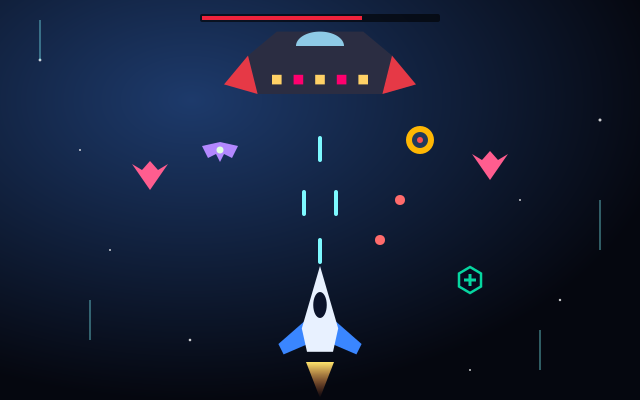
Blast through numbered enemy waves, grab power-ups and take down the mothership every fifth wave.
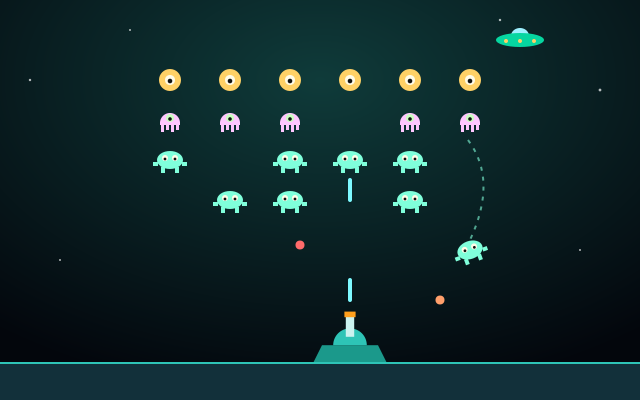
Hold the line with a ground cannon as swaying alien formations step down and dive at you.
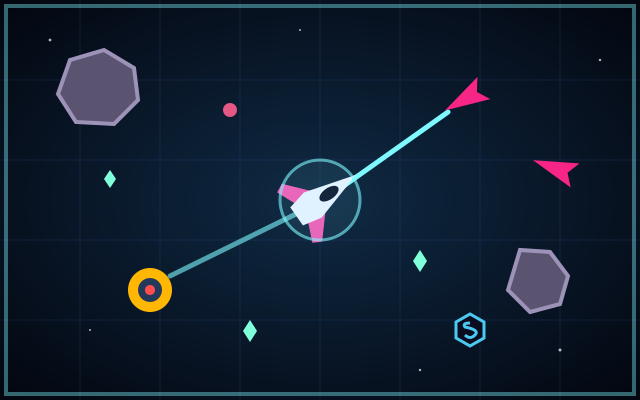
Stay alive in a deep-space arena as asteroids and drones close in. Your ship fires automatically.
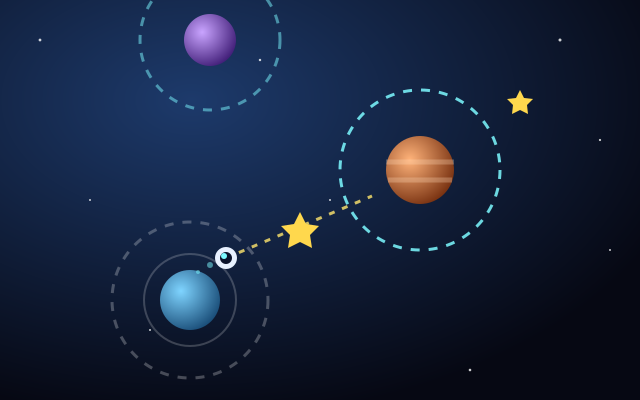
Launch from orbit to orbit with one button, collecting stars as you hop from planet to planet.
Galaxy Defender turns the usual shooter layout inside out: instead of flying toward the enemy, you defend a fixed point from every direction at once. The ship is locked to a circular orbit around the planet, so every decision is about angle and timing. Turning to face a new threat takes a moment, and while you are aiming one way, something else may be closing in from behind.
Four enemy types keep the waves varied. Drones fly straight in at a steady pace, darts are fast and thin, splitters break into two smaller pieces when destroyed, and bombers circle the planet before diving at it. The planet shield has 5 points and never recharges, so the whole run is a slow test of how few enemies you let through. You can play with keyboard, mouse or touch, and your personal best is saved locally in your browser.
Categories: Planet Games, Space Shooter Games, Alien Arcade Games. Galaxy Defender is an original game made for Space Arcade Games. Its gameplay is arcade-style and fictional, not a scientific simulation (see our disclaimer).
No. Enemies pass through your orbit without harming the ship. Only the planet takes damage: each enemy that reaches the surface costs 1 of its 5 shield points, and the game ends at 0.
No. Shield points are not restored between waves, so protecting them in early waves matters for the whole run.
Move the mouse and the ship turns around the orbit to the pointer's angle; click or hold the button to fire. On a touch screen, touch or drag anywhere on the game to turn the ship toward your finger and fire while you hold. The arrow keys or the orbit buttons take over again as soon as you use them.
A splitter breaks into two small pieces that fly off to either side for a moment and then head for the planet. Each piece is worth 15 points and takes one hit.
Bombers stop at a distance and circle the planet for a few seconds. A red ring flashes around a bomber just before it dives straight at the planet at high speed.