Gravity Orbit
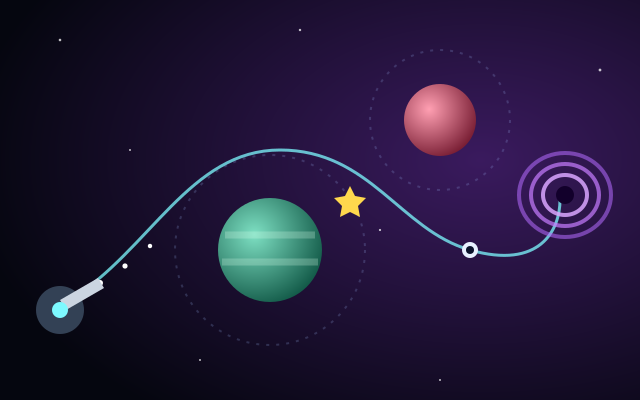
Aim, charge and launch a probe so planetary gravity bends its path into the wormhole.
Your pod circles a planet. Press once to fly off in a straight line, and time it so you pass through the next planet's gravity ring. Miss, and you drift into space.
| Space | Launch from orbit |
|---|---|
| P or Esc | Pause / resume |
| R | Restart |
| Tap the game | Launch from orbit |
|---|---|
| LAUNCH button | Launch from orbit |
| Click the game | Launch from orbit |
|---|
On touch screens a control pad appears below the game. You can show or hide it with the Touch pad button above the game.
Reach as many new planets as you can before your 3 lives run out. Every planet you reach for the first time and every star you collect adds to your score.
The level rises after every 5 new planets. Each level spaces the planets further apart (up to a limit), shrinks their gravity rings, speeds up the orbits and lets planets sit further to the sides. From level 2 some planets drift sideways and bounce between the screen edges, and the share of drifting planets grows with each level up to about six in ten.
| Action | Points |
|---|---|
| New planet reached | +100 |
| Star collected | +25 |
| Returning to a planet you already visited | No points, but it is a safe place to regroup |
Your personal best is stored only in this browser. Scores are for fun and are not official records.
Aim, charge and launch a probe so planetary gravity bends its path into the wormhole.
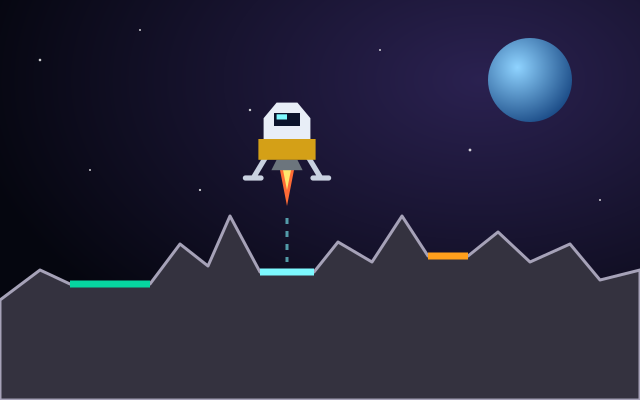
Balance thrust against gravity and touch down gently on small, high-multiplier landing pads.
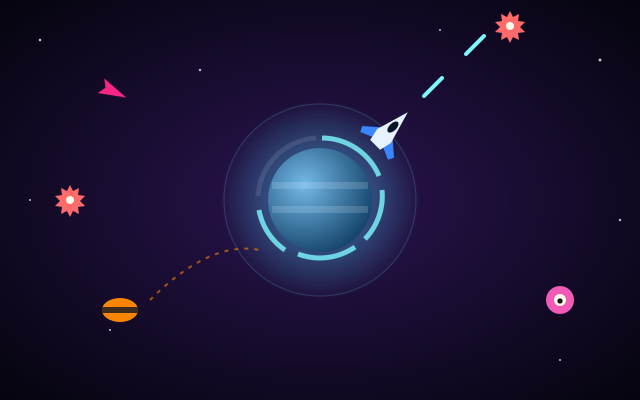
Orbit your home planet and shoot down drones, darts, splitters and bombers before they break its shield.
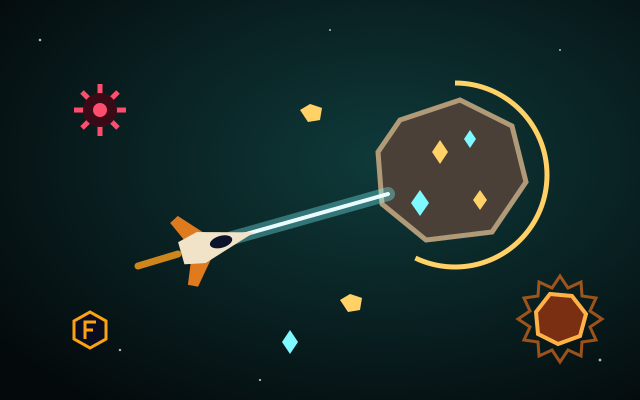
Beam ore out of asteroids, meet each level's quota and keep your fuel up while avoiding mines and hot rocks.
Planet Hopper is a timing game built around a single input. Your pod circles a planet on its own, and the only decision you make is when to let go. Because the launch follows the orbit's direction in a straight line, every press is a question of angle: a fraction of a second early or late sends the pod past the target instead of into it.
Each planet is surrounded by a dashed gravity ring that shows exactly where capture happens, so misses are always readable. As you climb, the rings get smaller, the gaps get wider, orbits spin faster and some planets start sliding sideways. The gravity here is a simple arcade rule, not a simulation: cross the ring and you are in orbit. Your best score is saved locally in your browser.
Categories: Planet Games, Space Exploration Games. Planet Hopper is an original game made for Space Arcade Games. Its gameplay is arcade-style and fictional, not a scientific simulation (see our disclaimer).
Press Space, click the game, tap the game or use the LAUNCH button. The pod leaves orbit and travels in a straight line in the direction it was moving at that moment.
You do not need to touch the planet. Entering its dashed gravity ring anywhere captures the pod into orbit around it.
If the pod flies off the screen you lose one of your 3 lives and the pod respawns in orbit around the last planet you were orbiting. When the last life is gone the run ends.
From level 2 onward some planets drift sideways and bounce between the screen edges. A small arrow next to the planet shows which way it is currently moving.
Yes. Your personal best is stored in your browser's local storage on this device. Nothing is uploaded and there are no online leaderboards.